MCP SERVERS
Connect agents to any tool
One URL to search thousands of tools. Automatic OAuth token management. Eight server types. Your agents get the right tool at the right time — without bloating the context window.
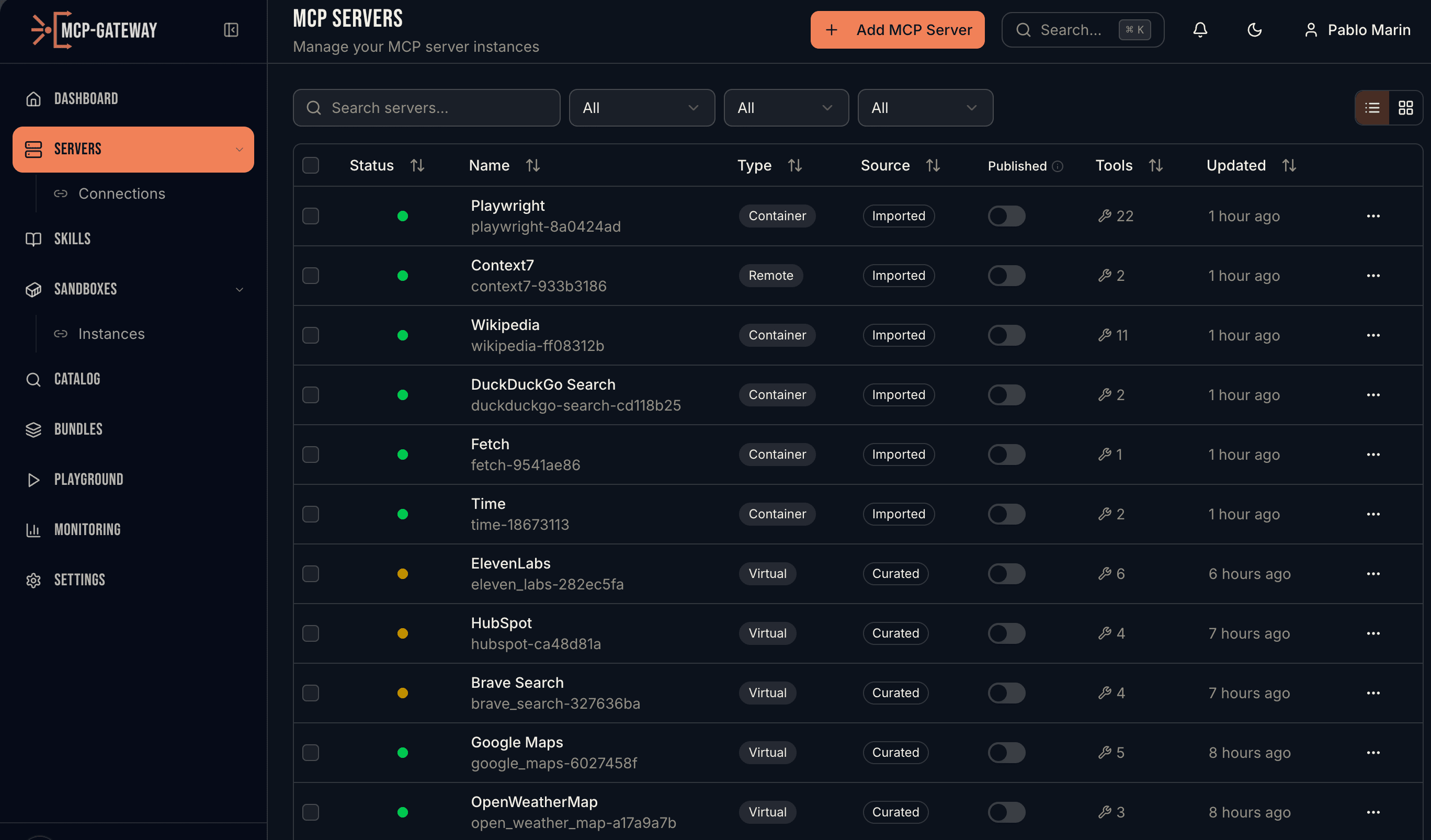
Servers list with live status, tool counts, and connection details
HOW IT WORKS
Everything you need to manage MCP servers
Eight Server Types
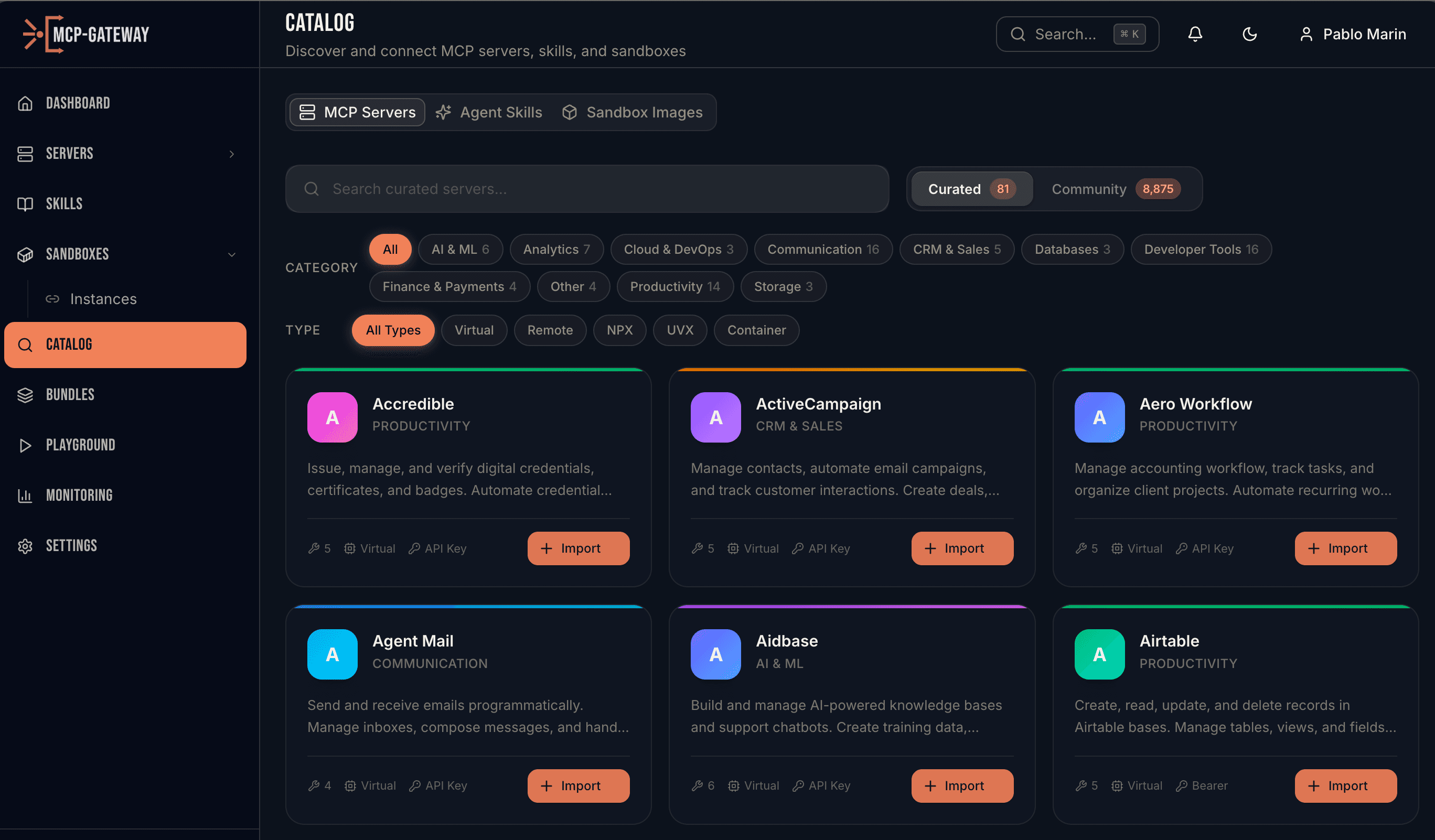
Support for Remote (HTTP/SSE), NPX (Node.js), UVX (Python), Container (Docker locally, Kubernetes Deployments in production), Generated (AI-created FastMCP loaded in-process), Virtual (curated REST-to-MCP mappings), Local (metadata-only tool registry), and Bundle (curated collections). Connect to any MCP server regardless of how it's hosted.
Credentials That Never Expire
The gateway keeps OAuth tokens alive indefinitely. A background service refreshes tokens before they expire — with intelligent retry, exponential backoff, and rate-limit awareness. Your agents authenticate once and stay connected forever. No human re-authentication, no stale tokens, no surprise auth failures.
Deep Server Management
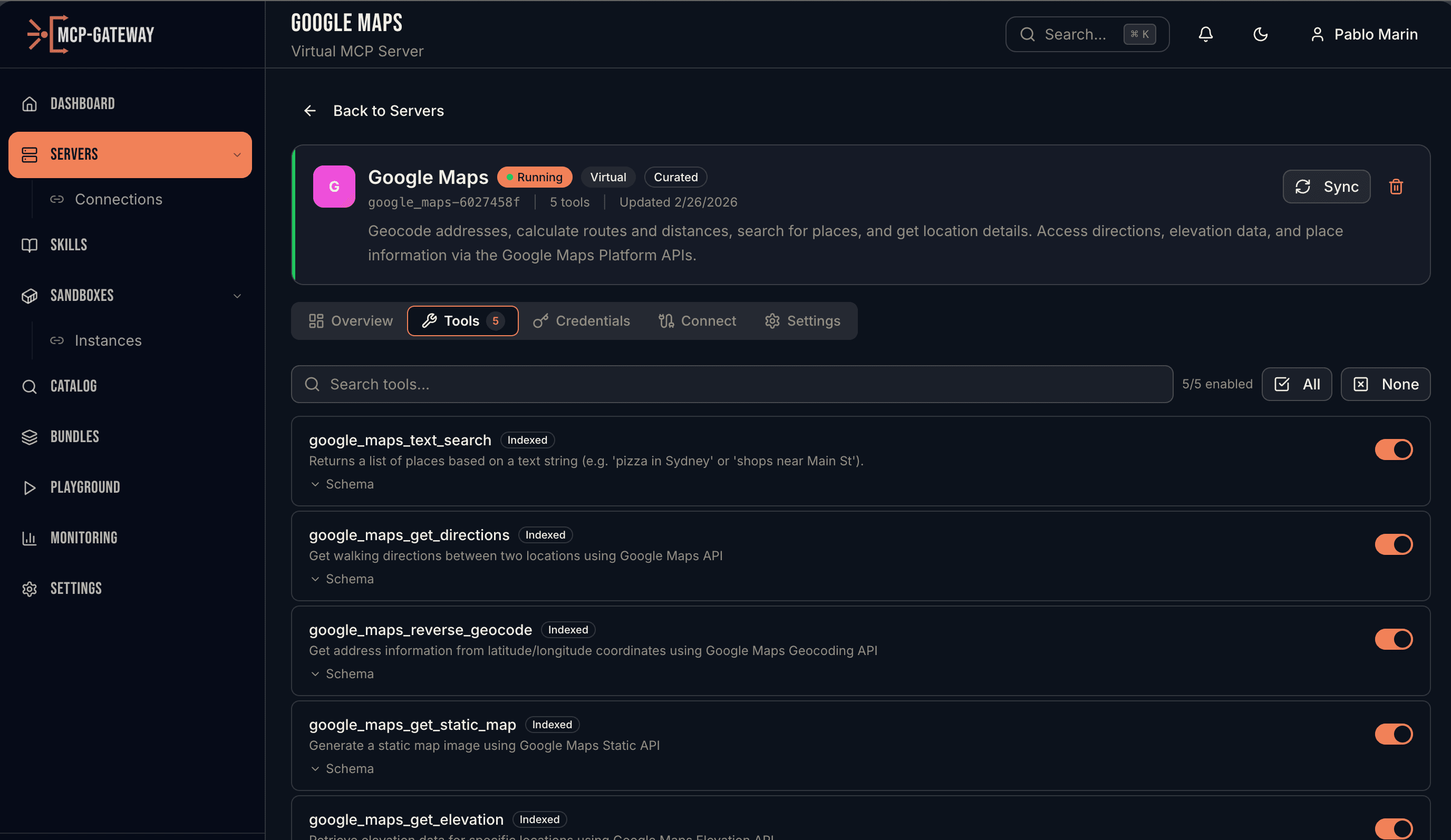
Drill into any server to see its tools, OAuth connections, sync status, and credential health. Enable or disable individual tools, search across tool schemas, and sync on-demand to pick up upstream changes.
Multi-Tenant Isolation in One Line
Per-session allow and deny rules with wildcards. One MCP server, 500 knowledge-base tools — each customer's agent sees only the tools scoped to their session. No separate deployments, no separate API keys, no duplicated credentials. Rules update mid-conversation via a PATCH — useful for progressive disclosure as the user's intent reveals itself.
Search, Then Execute
The biggest problem in production AI: tool sprawl. Anthropic says tool accuracy degrades past 30 tools. Cursor hard-caps at 40. With 5 MCP servers averaging 30 tools each, you burn 55K+ tokens on tool definitions before the agent does any work. MCP Gateway solves this with progressive tool loading. Instead of dumping every tool into the context window, the agent gets two meta-tools: SEARCH_TOOLS and EXECUTE_TOOL. Search by intent, get back the top matches with name and schema, then execute the one you need. Thousands of tools, two context slots. Configurable top-K results, three gateway modes (LIST, SEARCH_EXECUTE, AUTO), and the threshold is a setting you control.
AI Server Generation
Paste an API docs URL or OpenAPI spec. The Deep Agent analyzes the API, generates tool definitions, and deploys a working virtual MCP server. Review and approve before it goes live.
One URL, Every Tool
Point any MCP client — Claude Desktop, Cursor, VS Code, Windsurf — at the unified gateway endpoint. One URL and one API key gives your agent access to every registered server.
CONTEXT ENGINEERING
The right tool, at the right time
Anthropic's research shows tool accuracy collapses past 30-50 tools. Speakeasy benchmarks show static tool loading becomes infeasible at 200+ tools. With SEARCH_EXECUTE mode, MCP Gateway replaces hundreds of tool definitions with two meta-tools — bringing only what the agent needs into context, on demand.
tokens for tool definitions
tools in context window
cost per response
Based on Anthropic, Speakeasy, and MCPVerse benchmarks (2025-2026)
PYTHON SDK
pip install mcpgateway-sdk
Every operation is a method call. Build integrations, automate workflows, or manage servers programmatically.
Ready to connect your agents?
Deploy MCP Gateway and give every agent in your organization access to every tool.